基于 Hysteria2 的代理节点搭建
- 基于
Hysteria2搭建代理的教程: https://vpsfq.com/?p=1398#er_da_jian_guo_cheng
翻墙代理软件
选择 v2rayN V6.42

链接进入服务器
已经链接,按照要求,运行安装命令:
bash
apt update -y && apt install -y curl && apt install -y socat说服务器内没有这个工具:
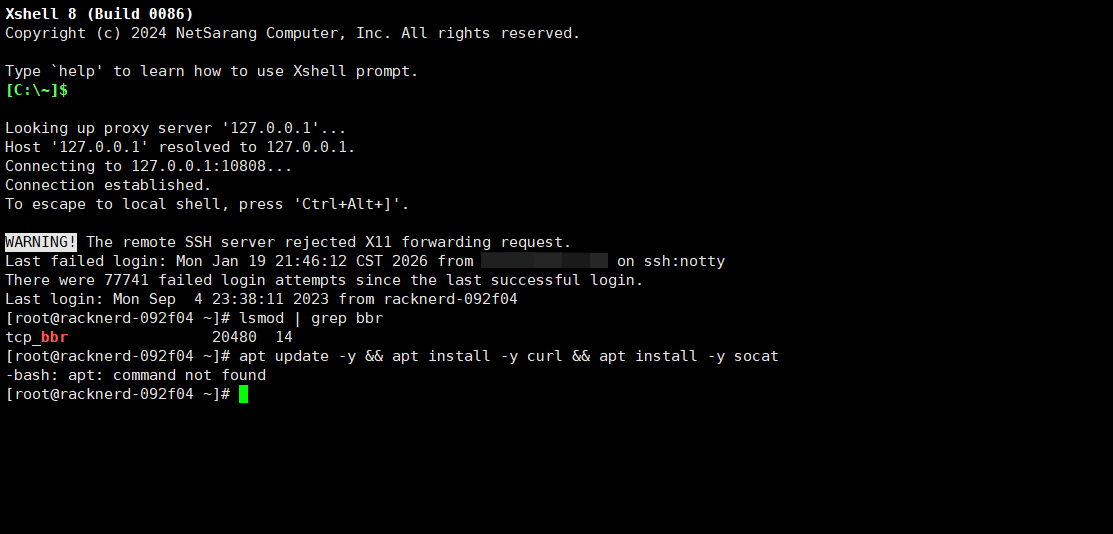
输出服务器的信息
bash
cat /etc/os-release我的目标服务器是 CentOS 7。
log
NAME="CentOS Linux"
VERSION="7 (Core)"
ID="centos"
ID_LIKE="rhel fedora"
VERSION_ID="7"
PRETTY_NAME="CentOS Linux 7 (Core)"
ANSI_COLOR="0;31"
CPE_NAME="cpe:/o:centos:centos:7"
HOME_URL="https://www.centos.org/"
BUG_REPORT_URL="https://bugs.centos.org/"

CENTOS_MANTISBT_PROJECT="CentOS-7"
CENTOS_MANTISBT_PROJECT_VERSION="7"
REDHAT_SUPPORT_PRODUCT="centos"
REDHAT_SUPPORT_PRODUCT_VERSION="7"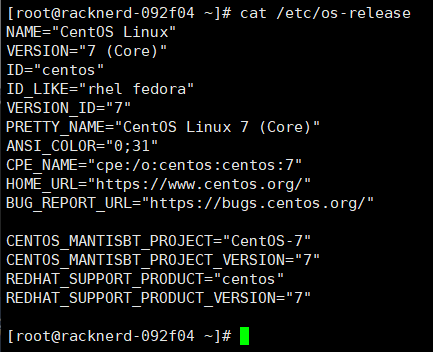
更换运行的命令
按照 AI 的建议,更换命令:
bash
yum update -y && yum install -y curl socat为 yum 设置合适的镜像源
备份:
bash
mkdir /etc/yum.repos.d/backup
mv /etc/yum.repos.d/*.repo /etc/yum.repos.d/backup/设置镜像源文件:
bash
cat <<EOF > /etc/yum.repos.d/CentOS-Base.repo
[base]
name=CentOS-\$releasever - Base
baseurl=http://vault.centos.org/7.9.2009/os/\$basearch/
gpgcheck=1
gpgkey=file:///etc/pki/rpm-gpg/RPM-GPG-KEY-CentOS-7

[updates]
name=CentOS-\$releasever - Updates
baseurl=http://vault.centos.org/7.9.2009/updates/\$basearch/
gpgcheck=1
gpgkey=file:///etc/pki/rpm-gpg/RPM-GPG-KEY-CentOS-7

[extras]
name=CentOS-\$releasever - Extras
baseurl=http://vault.centos.org/7.9.2009/extras/\$basearch/
gpgcheck=1
gpgkey=file:///etc/pki/rpm-gpg/RPM-GPG-KEY-CentOS-7
EOF重启:
bash
yum clean all
yum makecache安装依赖:
bash
yum install -y curl socat成功完成快速安装:
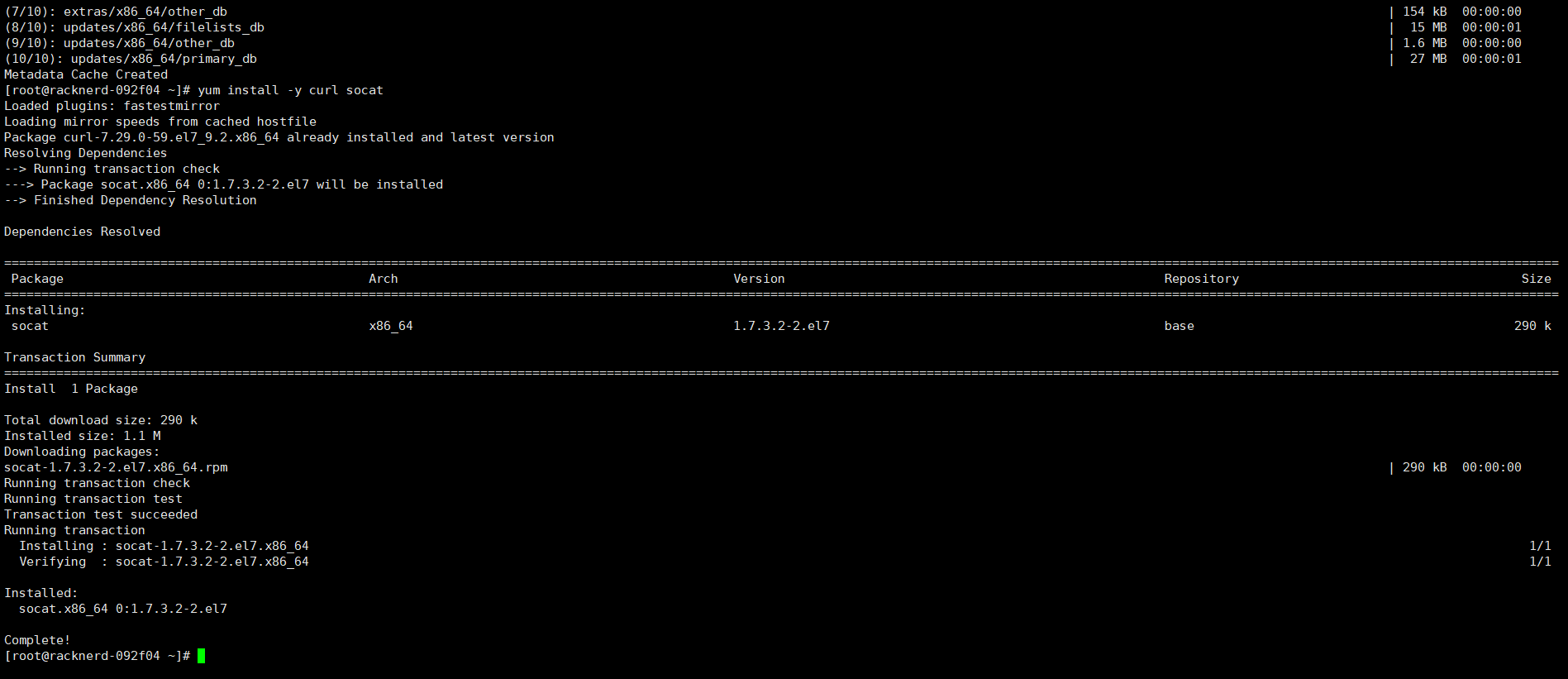
使用 Hysteria2 一键安装脚本
bash
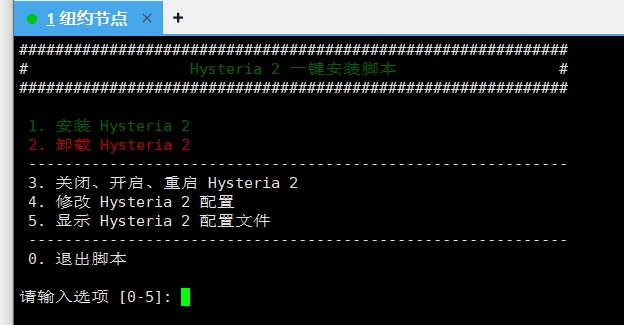
wget -N --no-check-certificate https://raw.githubusercontent.com/flame1ce/hysteria2-install/main/hysteria2-install-main/hy2/hysteria.sh && bash hysteria.sh安装成功,开始选择:
贡献者
 ruan-cat